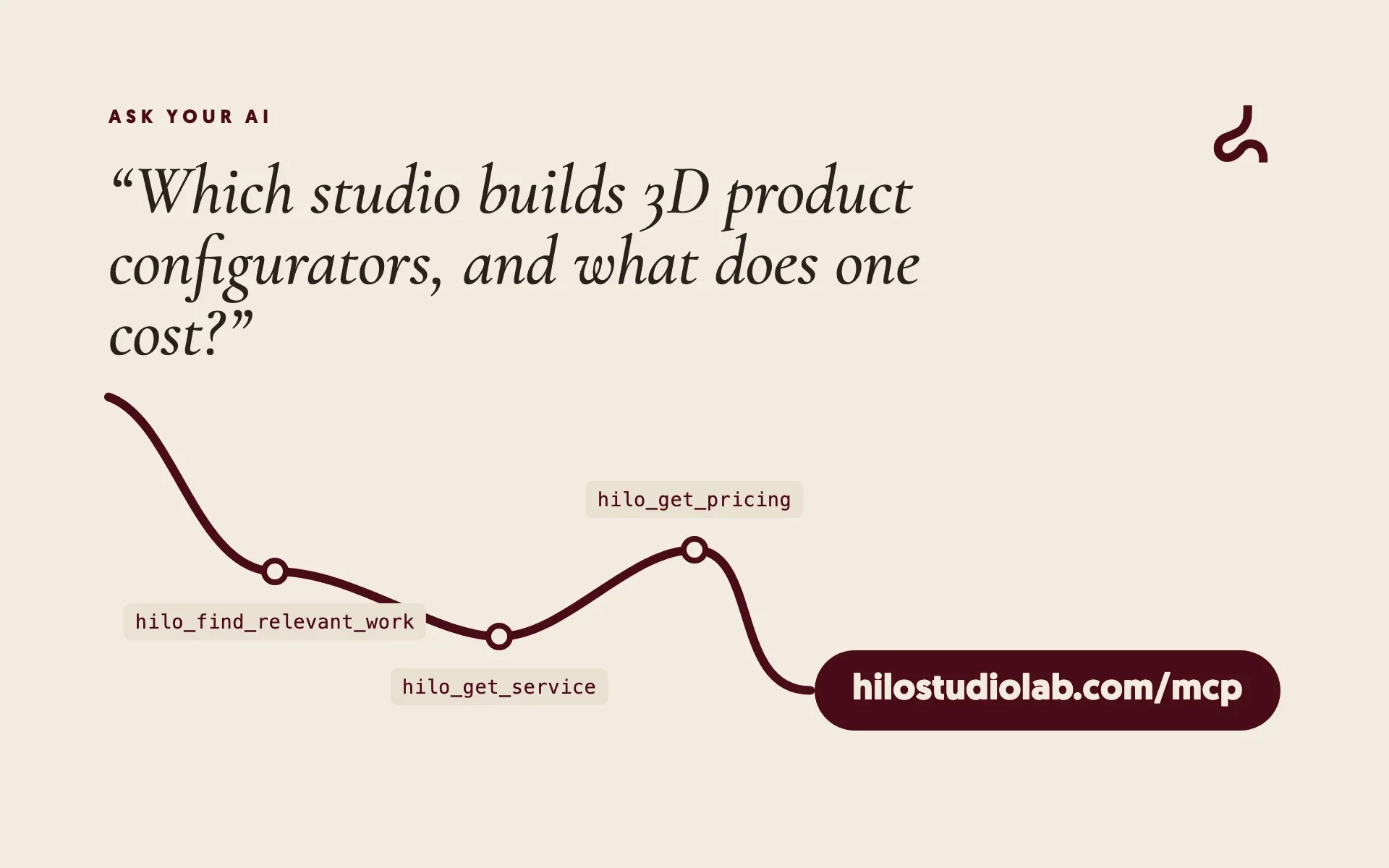
More and more people don’t look for suppliers on Google: they ask their AI assistant. “Find me a studio that builds 3D configurators”, “how much does a 3D website cost?”. The assistant answers with whatever it finds or, worse, whatever it assumes.
From today, if they ask about us, it answers with our first-hand data. We’ve opened an MCP server at hilostudiolab.com/mcp.
What MCP is
MCP (Model Context Protocol) is an open standard for connecting AI assistants to outside services. Think of it as a plug: the service offers a set of tools, and the assistant uses them when it needs them to answer.
Claude, ChatGPT, Cursor and many others already speak it. Add our address as a connector and your assistant can ask us directly, in the middle of a conversation.
What you can ask
- Who we are and what we do: branding, content and 3D on the web, from Madrid, in English and Spanish.
- Each service in detail, with its starting price, how we do it and its FAQ.
- Packages and prices, with what each one includes and typical timelines.
- Projects and full case studies: the challenge, the idea, how it was built and the stack.
- The Lab, with a link to each demo so you can try it.
- The blog, full articles included.
- What fits your need: describe your idea in your own words and it returns the closest services, case studies and experiments.
And if you like what you see, it can request a quote for you. It only does so after you confirm, and you’ll get a confirmation email, just like with the form on our site.
A real example
This is the response, word for word, when an assistant asks us about a “3D configurator for furniture”:
## Services
- 3D configurator — Fixed quote after a call to define the scope:
  https://hilostudiolab.com/en/services/3d-configurator

Next step: hilo_get_service / hilo_get_case_study for detail,
or hilo_request_quote if the user wants a proposal.
The assistant keeps pulling the thread: it fetches the service detail, looks at the case studies and explains it to you with our links. No made-up prices.
How to connect it in a minute
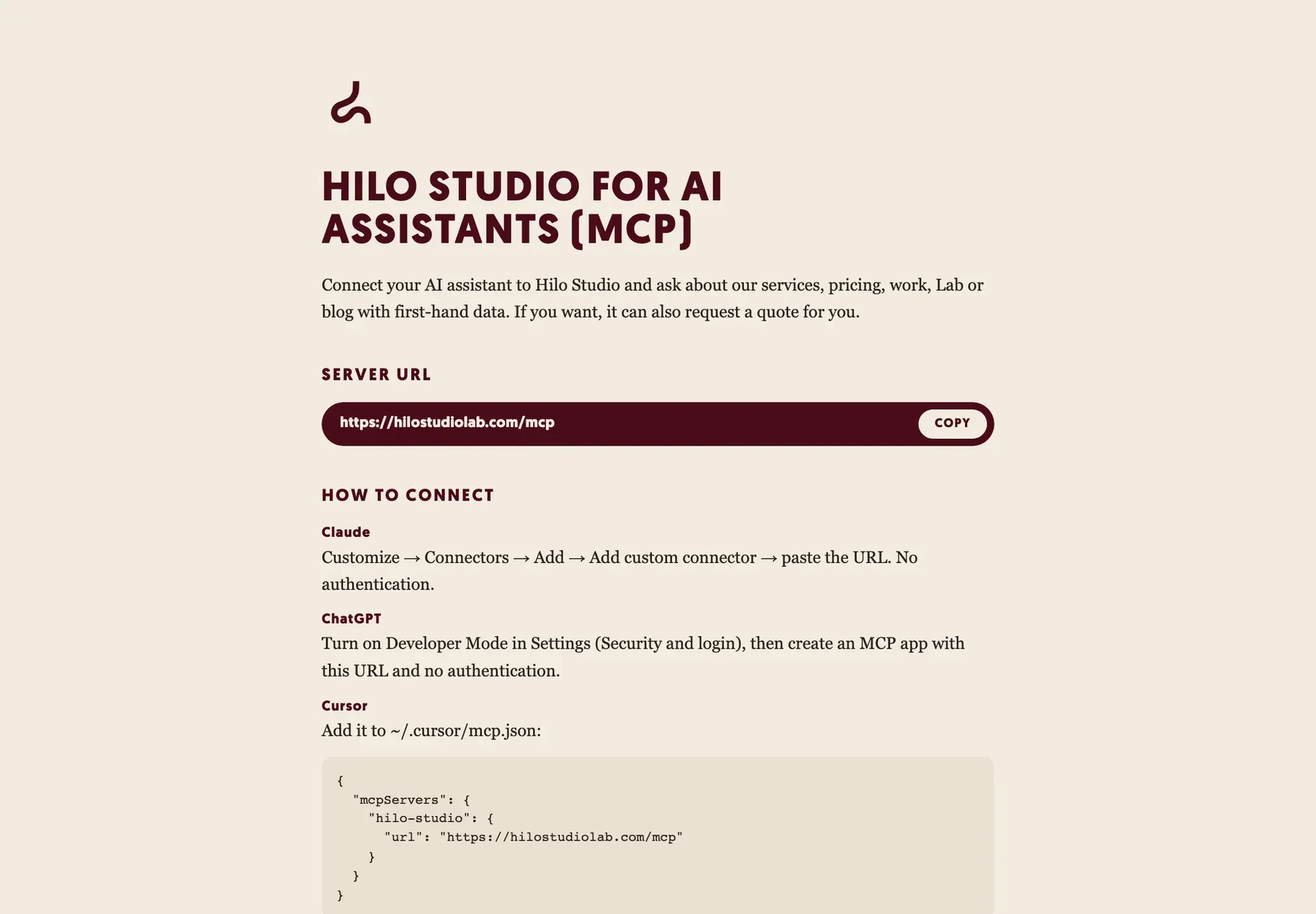
The address is always the same: https://hilostudiolab.com/mcp. No account or key needed.
- Claude: Customize → Connectors → Add → Add custom connector, and paste the address.
- ChatGPT: turn on Developer Mode in Settings (Security and login), then create an MCP app with the address and no authentication.
- Cursor: add it to
~/.cursor/mcp.json:
{
  "mcpServers": {
    "hilo-studio": { "url": "https://hilostudiolab.com/mcp" }
  }
}- Claude Code: in your terminal,
claude mcp add --transport http hilo-studio https://hilostudiolab.com/mcpOpen the address in a browser and you’ll see these same instructions, with a button to copy it.
Why a creative studio would do this
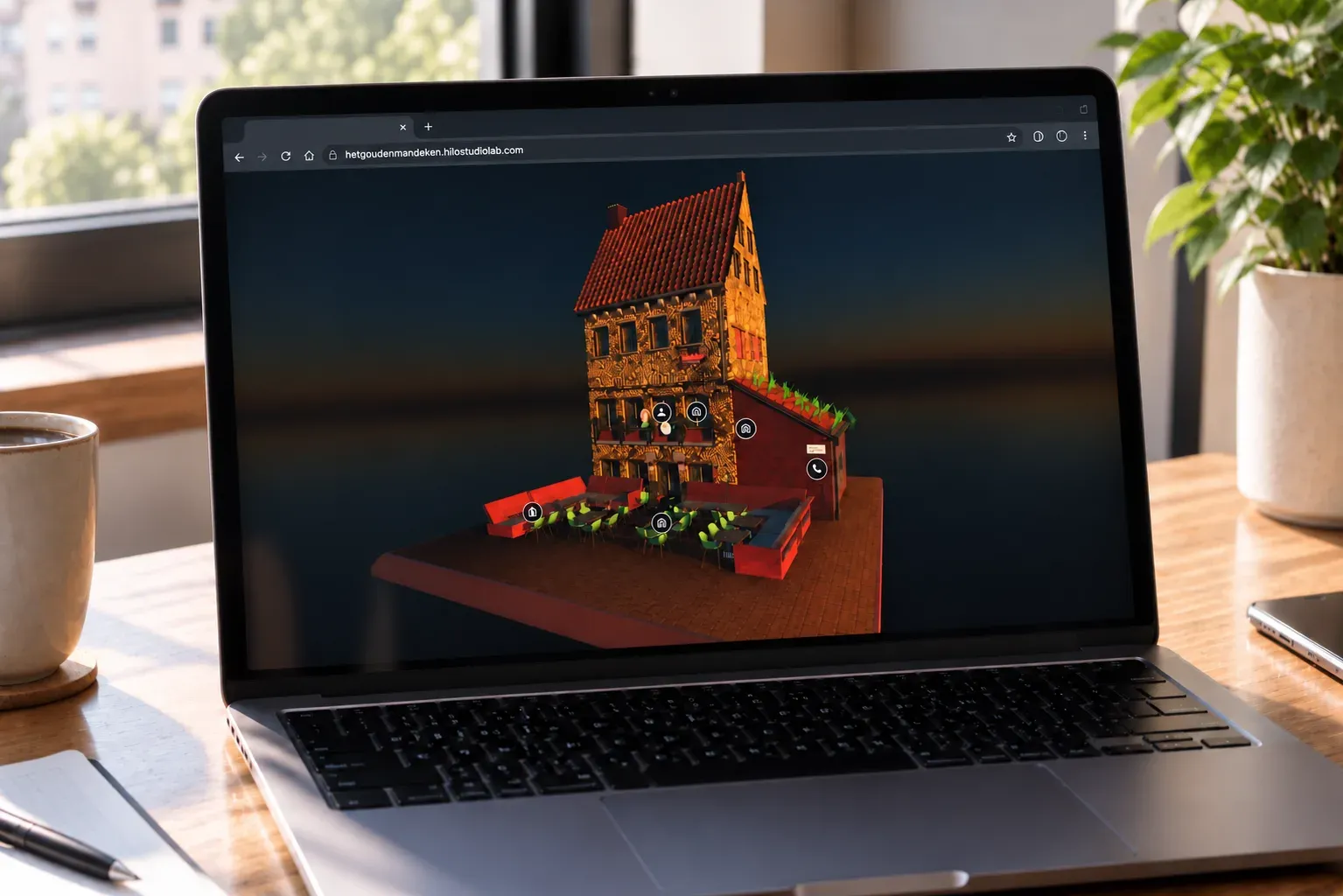
Because it’s what we do for our clients: use technology when it genuinely improves the experience. Just as 3D on a website makes sense when it shows a product better, an MCP server makes sense now that people ask AI before they ask Google.
It also forces a healthy habit on us: keeping our information organized, current and in both languages. The server reads the same content as the website, so when we publish a post or a Lab experiment, the MCP already knows about it.
How it’s built
For the technically curious: it implements the latest MCP specification (2026-07-28) with the official TypeScript SDK, and still serves assistants on the 2025 revision.
Want AI to know your product?
Let's talk →